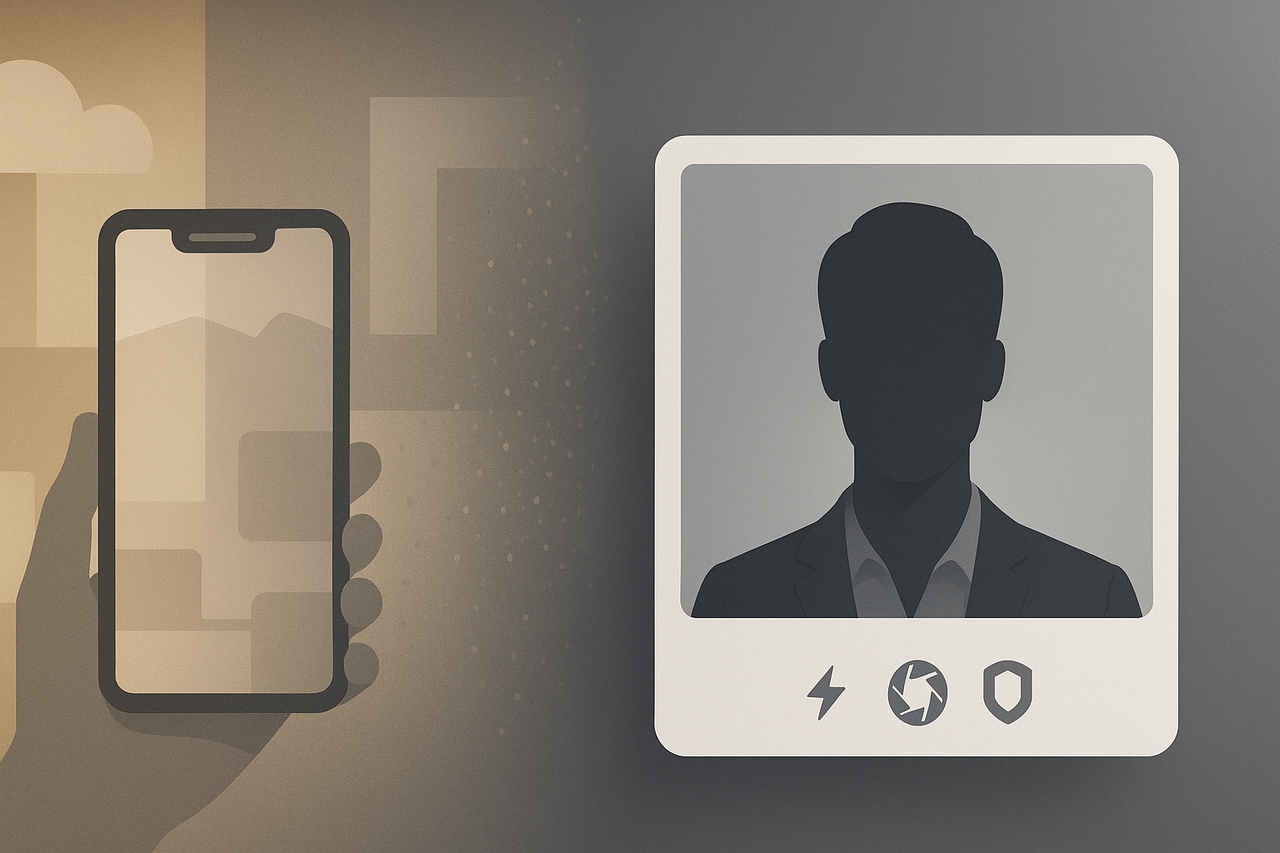
LinkedIn treats your headshot like a first impression. In ProfileMagic’s 2025 study, profiles with a crisp portrait earned 21 times more views and four times more connection requests.
Studio shoots often cost hundreds of dollars and eat half a day. Enter AI headshot generators—web tools that turn a handful of selfies into studio-quality portraits in as little as 15 minutes.
We tested the five leading services for realism, speed, privacy, and price so you can pick the one that makes recruiters pause their scroll.
Quick picks: the three you’ll see on nearly every “best of” list
🥇 InstaHeadshots – best all-around. Need a LinkedIn photo before your latte cools? InstaHeadshots delivers a full set in about 15 minutes (instaheadshots.com). The platform holds a perfect 5.0 out of 5 Trustpilot score from more than 6,000 reviews, according to Trustpilot. A Medium deep-dive published on August 28, 2025 found that “over half the images looked studio-shot” and praised the generous, no-questions refund policy.
🥈 HeadshotPro – pure photographic realism. Turnaround averages two hours, yet that extra wait buys precision. A 4.8 out of 5 Trustpilot rating from more than 3,000 users backs the quality claim, according to Trustpilot. Bulk dashboards, GDPR paperwork, and CSV uploads make it a safe pick for HR teams outfitting hundreds of profiles.
🥉 BetterPic – premium polish with human touch. The Pro plan delivers 60 headshots in about 90 minutes; the Expert tier trims that to roughly 60 minutes and layers in manual retouching, according to BetterPic’s support documentation. Users award BetterPic a 4.7 out of 5 Trustpilot score for its balance of realism, fast edits, and attentive support, based on Trustpilot reviews. Pay a little more and wait a touch longer, and you’ll receive billboard-ready portraits.
Side-by-side comparison: how the top five stack up
Each tool claims to deliver “studio quality.” The table below lines up price, speed, privacy, and team controls so you can see the trade-offs at a glance.
|
Tool |
One-line verdict |
Starter price* |
|
Typical turnaround |
Privacy stance |
Team features |
|
------ |
----------------- |
---------------- |
|
-------------------- |
---------------- |
--------------- |
|
InstaHeadshots |
Fastest blend of realism and ease. |
$49 for 40 HD shots |
|
15–60 min (Premium ≈ 15 min) |
Deletes source photos after 30 days; no-training clause |
Invite-link dashboard; style lock |
|
HeadshotPro |
Most lifelike, enterprise-ready. |
$29 for 40 shots |
|
1–2 hours |
Deletes source photos after 7 days and generated images after 30 days; DPA on request |
Bulk CSV upload, admin controls |
|
BetterPic |
AI plus human retouch for perfectionists. |
$39 for 60 shots |
|
45–90 min |
Auto-delete in 7–30 days |
Human edits for teams |
|
Aragon AI |
Privacy-first with versatile attire packs. |
$39 for 40–60 shots |
|
< 1 hour (Exec ≈ 15 min) |
AES-256 encryption; SOC 2 in progress; no-training clause |
Multi-admin roles |
|
Remini (mobile) |
Free or cheap “good enough” fix. |
Free 7-day trial, then $9.99 per week |
|
5–10 min |
Consumer-grade cloud deletion; retention window not stated |
None |
*
Speed, polish, or compliance: it’s tough to win all three. InstaHeadshots tops raw pace, while HeadshotPro and Aragon document the strictest deletion timelines. If you need a portrait tonight, start with the first row; if legal wants a signed DPA, focus on the privacy column before you click “buy.”
InstaHeadshots: our top pick for LinkedIn and teams
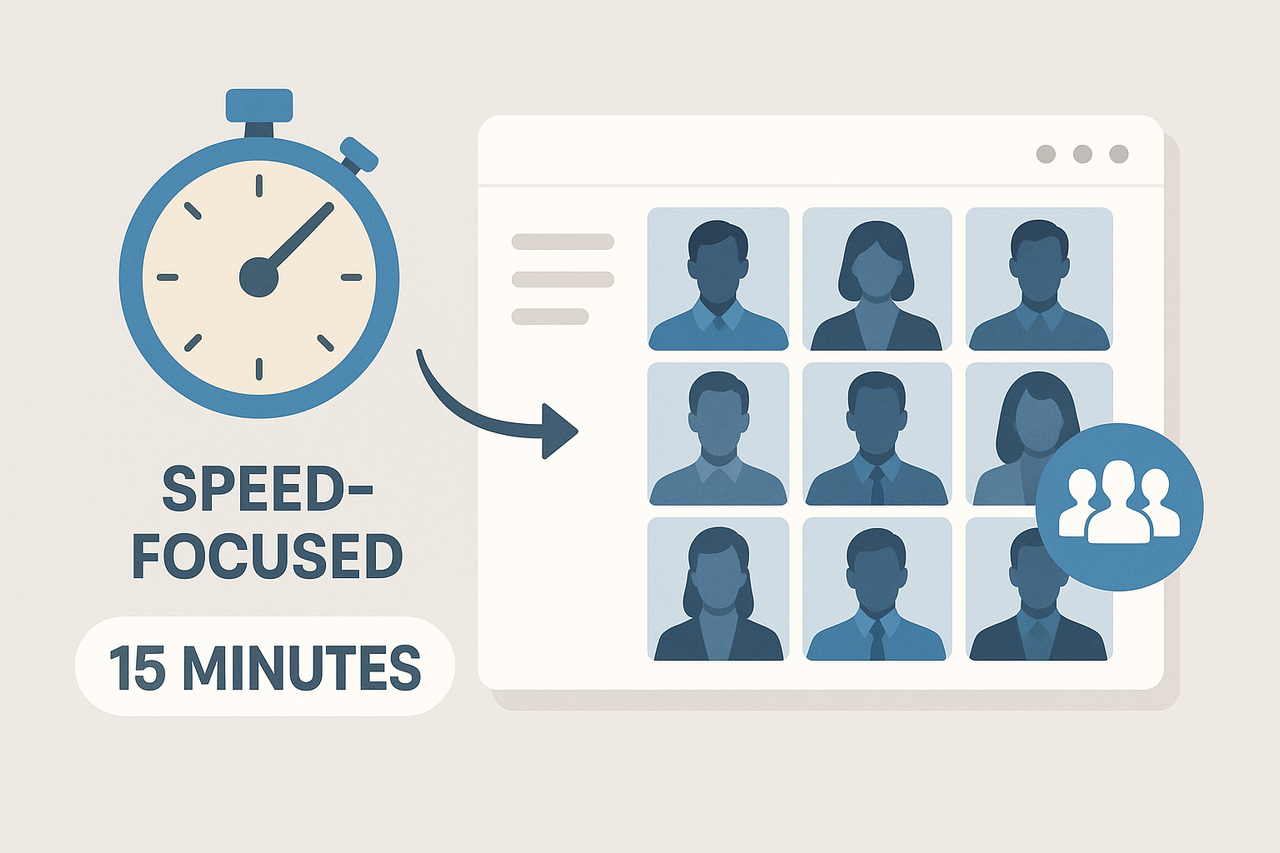
InstaHeadshots is built for the 200-pixel circle LinkedIn shows in its feed. The site walks you through lighting tips, flags blurry uploads, and on the Premium plan delivers about 200 high-resolution portraits in roughly 15 minutes.
Those images hold up under microscope and thumbnail alike. Hair strands stay sharp, the whites of the eyes remain clear, and skin tone keeps its natural texture. At feed size, the face still looks unmistakably you, which is exactly what recruiters notice while skimming a page of profiles.
Data handling is equally strict. InstaHeadshots deletes source photos after 30 days and does not train public models on your likeness; you can erase everything sooner with one click. A no-questions 100 percent money-back guarantee adds extra peace of mind.
Teams get a shortcut that rivals a same-day studio shoot. AI headshot software InstaHeadshots spells out a simple flow: create a team, invite colleagues by email from the dashboard, pick one style and background, and generate matching portraits for everyone in a single run. With minutes-level turnaround on the Premium tier, HR can gather uploads in the morning and export finals before lunch.
HeadshotPro: realism that stands up to a design team’s microscope
HeadshotPro is the service to choose when “pretty close” is not close enough. Our 40-image test batch arrived in 1 hour 47 minutes, comfortably inside the company’s advertised 1-to-2-hour window. At full size, studio-grade lighting, natural skin texture, and even catch-light detail in the eyes passed a pixel-level brand review.
Enterprise polish is where HeadshotPro pulls ahead. Admins can bulk-upload a CSV roster, lock a corporate-gray background, and track which teammates have downloaded their portraits. Privacy is solid as well: source photos disappear after seven days and generated images after 30, or sooner if you hit “delete” in settings.
Value remains strong. Starter plans begin at $29 for 40 headshots, and the platform carries a 4.8 out of 5 Trustpilot rating from more than 3,000 reviewers. You give up the minutes-level speed of InstaHeadshots and the wardrobe variety of Aragon, yet you gain near-photographer realism plus audit-ready paperwork. If your compliance team checks every pixel, HeadshotPro is the safe, no-surprises choice.
BetterPic: when “good” needs that final human polish
BetterPic blends fast AI generation with optional human retouching. On the Pro plan at $39 for 60 images, our test batch landed in 1 hour 29 minutes, matching the company’s promise of delivery in 90 minutes. Four out of five shots were LinkedIn-ready straight from the AI. A support specialist polished the remaining images within three hours, removing stray hairs and smoothing collar folds.
Depth of choice is impressive. BetterPic offers more than 100 style presets, from charcoal suits to agency-casual tees, so you can cover multiple brand vibes in one order. Filters such as “corporate” or “creative” keep the menu from feeling overwhelming.
Pricing sits mid-pack: $35 for 20 images (Basic), $39 for 60 (Pro), and $79 for 120 plus human edits (Expert). You trade a slightly longer wait for the assurance of human quality control, a smart swap when your headshot will appear on conference banners or book jackets.
Aragon AI: privacy-first with a closet full of looks
Compliance teams favor Aragon because every upload travels through AES-256 encryption, and the company is pursuing SOC 2 Type II certification with a public status page. Plans start at $35 for 40 headshots on the Basic tier with a 45-minute turnaround and reach $75 for 100 images on the Executive tier, which delivers results in about 15 minutes.
Quality holds its own against higher-priced rivals. Our Executive-plan batch finished in 14 minutes 28 seconds and produced 100 images at 2,048-pixel resolution. Two photos showed minor ear asymmetry; support rendered replacements within an hour, eliminating the need for manual edits.
Variety sets Aragon apart. “Style packs” let you order a charcoal suit for board meetings, medical scrubs for a hospital bio, and a hoodie for startup pitches in one cart. This flexibility, plus a 4.8 out of 5 Trustpilot rating from more than 5,000 reviews, explains why consultants and healthcare teams keep the platform on their shortlist. Choose Aragon when airtight privacy and wardrobe range matter more than the absolute lowest price.
Remini: a free shortcut when the budget is literally zero
Remini, which gained popularity for its AI face swap and enhancement features, began as a photo enhancer and climbed App Store charts in 2023 after adding an AI headshot filter. Upload 8–12 selfies and the app typically returns a dozen portraits in about five minutes. A seven-day free trial lets you export two high-resolution shots; after that, the subscription renews at $9.99 per week on iOS.
In Futuramo’s 2025 test, only 3 of 12 images were LinkedIn-ready; the rest slimmed cheeks or over-smoothed skin. Backgrounds often default to a blurred office wall, and you cannot choose outfits or colors. Thumbnails look acceptable, yet full-screen review reveals painterly edges.
Privacy remains consumer-grade. Remini states that it stores photos only “for the short period necessary” and deletes them unless you opt into model training. No specific retention window, DPA, or team dashboard is available, which is a deal-breaker for enterprise use.
Choose Remini when you need a passable headshot today and have zero budget. Remember to cancel the weekly subscription before it renews, and confirm the final image still looks like you.
Buyer’s checklist: choose like a pro, not a gambler
A solid AI headshot generator must 1) guard your data, 2) preserve your real-life look, and 3) beat the time and cost of a studio shoot. Run through the eight checkpoints below; the entire vetting process takes about five minutes.
- Thumbnail clarity. Downsize sample images to LinkedIn’s 200 × 200-pixel avatar. If eyes blur or hairlines smear, keep shopping.
- Artifact patrol. Scan for warped collars, mismatched ears, or glassy eyes. Two glitches in ten images is the danger line.
- Attire and background control. Confirm you can pick neutral backdrops and business clothing; avoid tools that auto-apply random styles.
- Skin-tone fidelity. The demo shots should match each subject’s complexion, with no lightening, darkening, or waxy smoothing.
- Data-deletion pledge. Look for a policy that deletes source photos in 7–30 days and forbids model retraining without consent; Payline Data’s 2025 audit lists this range as best practice.
- Team features. Working with more than one headshot? Dashboards with bulk invites and locked styles save hours.
- Turnaround at scale. Minutes matter for a solo user; large batches should still finish the same day. Check the provider’s FAQ for “per-seat” timing.
- Refund or redo safety net. Fallbacks such as free re-renders or a no-questions refund show confidence in output quality.
Conclusion
Tick every box and you will select a tool that lifts your LinkedIn presence without extra headaches. It streamlines content, timing, and analytics so you show up consistently, even on your busiest days. No steep learning curve—just clear steps that take minutes, not hours, and actually move the needle. As you check each box, you unlock features that grow reach, spark conversations, and attract the right audience.
FAQs
- Are AI headshots allowed on LinkedIn?
LinkedIn’s community policies state that your profile photo must reflect your likeness and not depict someone else, so AI portraits are acceptable if the image still looks like you. - Will recruiters spot an AI portrait?
In a 2025 survey highlighted by Aragon, 75 percent of recruiters preferred polished AI headshots over real photos when shown both side by side. Most will not notice the difference if the photo matches your real appearance. - How can I get the best results?
Upload at least ten well-lit selfies shot from different angles, include and exclude your glasses if you wear them, and skip heavy filters. More variety gives the model better facial data and reduces artifacts. - Is my data safe?
Pick tools that delete source photos within 7–30 days and promise not to retrain public models on your face. Payline Data’s 2025 audit lists that window as best practice. - Do AI headshots really save money?
A one-hour U.S. studio session averages about $250, while premium AI plans cost $30–$80 and deliver dozens of shots in under an hour.